

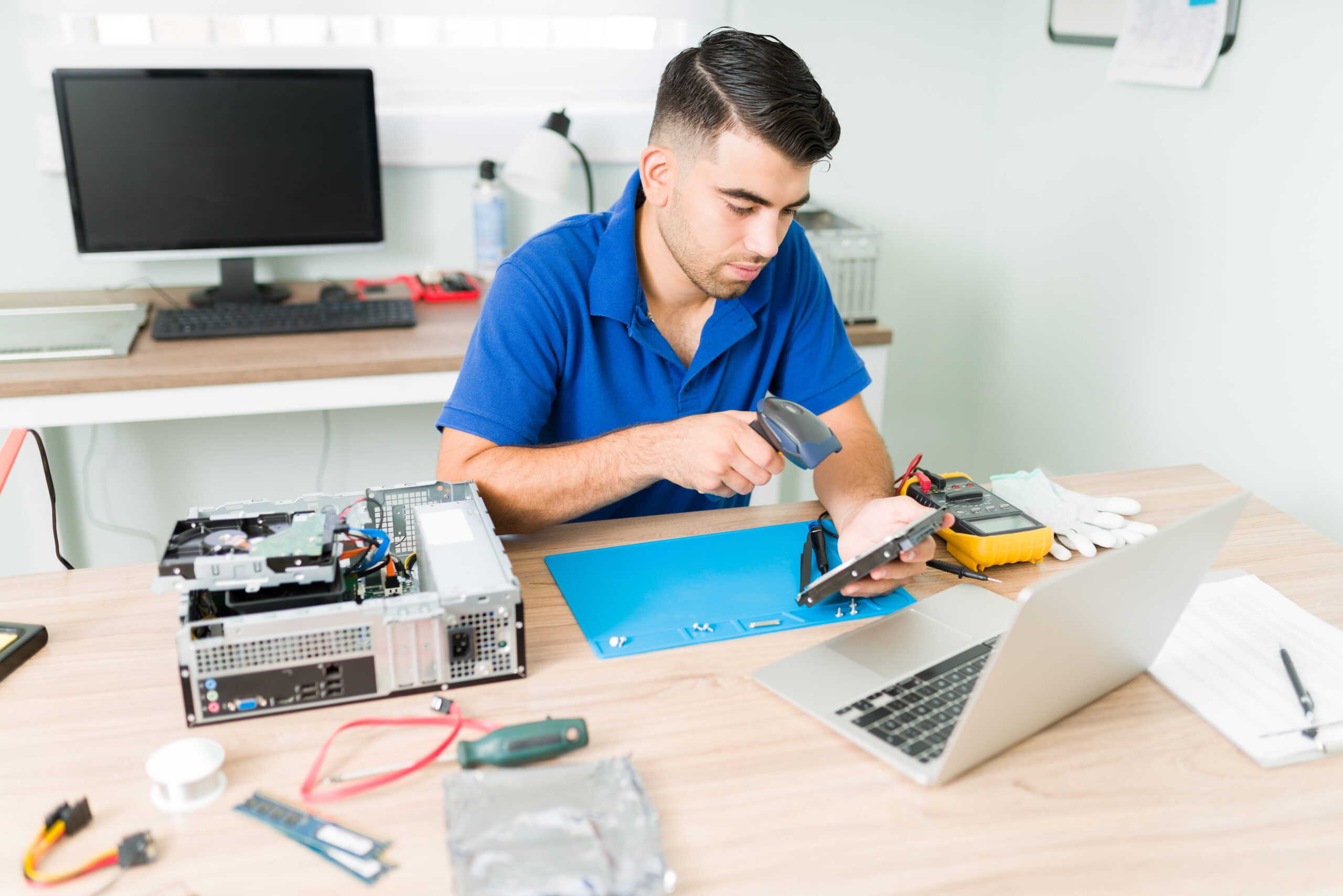
HDD vs SSD: Which Upgrade Is Best for Speed & Performance in 2026?
Is your laptop running slow? Does it take too long to start, open files, or launch applications? Before you consider buying a new laptop, upgrading your storage drive could completely transform your device’s performance.
One of the most common questions customers ask at laptop repair centers is: “Should I upgrade to SSD or continue using HDD?” If you’ve searched for terms like SSD upgrade for laptop in Delhi, HDD vs SSD comparison, or how to make laptop faster, this guide will help you make the right decision.
Let’s break it down in a simple, practical way.
Understanding HDD and SSD
An HDD (Hard Disk Drive) is the traditional storage device used in laptops for many years. It uses spinning magnetic disks and a mechanical arm to read and write data. Because it has moving parts, it is slower and more prone to physical damage over time.
An SSD (Solid State Drive), on the other hand, uses flash memory technology. It has no moving parts, which makes it significantly faster, more durable, and energy-efficient.
This difference in technology directly impacts speed, performance, and reliability.
Speed Comparison: The Real Difference You’ll Feel
The biggest advantage of SSD over HDD is speed.
With an HDD:
- Laptop boot time can take 40–90 seconds.
- Applications open slowly.
- System may lag during multitasking.
- File transfers take longer.
With an SSD:
- Laptop boots in 10–20 seconds.
- Applications open almost instantly.
- Multitasking becomes smooth.
- File transfers are much faster.
In real-world repair experience, upgrading from HDD to SSD is often the most noticeable performance improvement you can make without replacing the entire laptop.
If your laptop feels slow but the processor and RAM are fine, storage upgrade is usually the solution.
Performance for Work, Gaming & Business Use
If you are a student or office user, switching to SSD will dramatically improve productivity. Programs like MS Office, Chrome, Zoom, and accounting software run much smoother.
For gamers using HP or MSI laptops, SSD reduces game loading times significantly. While it doesn’t increase FPS (frames per second), it improves overall responsiveness and reduces stuttering during background tasks.
For business users who handle large files or design software, SSD ensures quicker file access and reduced system freeze.
This is why many people searching for laptop speed improvement in Delhi are advised to upgrade to SSD rather than replacing the laptop.
Reliability & Durability
HDDs contain moving parts, which makes them more vulnerable to:
- Physical shock or drops
- Mechanical failure
- Wear and tear over time
SSDs are more durable because they have no spinning disks. They are better suited for portable laptops that are frequently moved.
In professional repair cases, HDD failure is much more common than SSD failure.
Power Efficiency & Heat
Another advantage of SSD is lower power consumption. Because SSDs do not rely on mechanical movement, they use less energy and generate less heat.
Lower heat means:
- Better battery backup
- Reduced overheating risk
- Longer hardware lifespan
If your laptop overheats frequently, upgrading to SSD may indirectly improve thermal performance.
Storage Capacity & Cost
HDDs are generally cheaper per GB compared to SSDs. If you need large storage (1TB or more) at low cost, HDD can still be useful.
However, SSD prices have reduced significantly in 2026, making them affordable for most users.
A practical solution many technicians recommend is:
- Install SSD for operating system and software
- Use HDD as secondary storage (if laptop supports dual drive)
This gives both speed and storage balance.
When Should You Upgrade to SSD?
You should consider SSD upgrade if:
- Laptop takes too long to boot
- Applications lag frequently
- You hear clicking sounds from HDD
- System freezes randomly
- You want better overall performance without buying a new laptop
In many real repair cases, customers planning to replace their laptop changed their decision after SSD upgrade because performance improved drastically.
Professional Installation Matters
While SSD upgrade is a powerful solution, proper installation is important. The process involves:
- Checking compatibility (SATA or NVMe)
- Cloning existing data safely
- Fresh Windows installation (if required)
- BIOS configuration
- Driver optimization
Improper installation may cause boot errors or data loss.
If you are searching for SSD upgrade service in Delhi, choose a professional laptop repair center that ensures safe data handling and system optimization.
Final Verdict: HDD or SSD?
If your goal is maximum speed and smooth performance, SSD is clearly the better choice in 2026.
HDD may still work for budget storage needs, but for daily performance improvement, SSD is the most recommended upgrade by technicians and experts.
Upgrading storage is often far more affordable than buying a new laptop — and the results are immediately noticeable.
Need SSD Upgrade or Laptop Speed Improvement?
If your laptop is running slow and you’re unsure whether to upgrade HDD or SSD, visit Lappy Care in Uttam Nagar, West Delhi for professional guidance and installation.
Call now: +91 99111 11251
Give your laptop a second life with the right upgrade.